- Odzież / Ochraniacze
- Kaski
- Odzież motocyklowa
- Ochraniacze
- Fox Rowerówka
- Gogle
- Odzież codzienna
- Leatt rowerówka
- Części
- Oleje / Smary / Pielęgnacja / Chemia
- Silnik i osprzęt
- Cylindry
- Rozrząd
- Uszczelki Silnika
- Tłoki - komplety
- Tarcze Sprzęgłowe
- Starter / Sprężyny startera
- Dekle / pokrywy silnika
- Płytki Zaworowe
- Głowice
- Uszczelniacze silnika
- Bębny Sprzęgła / Dzwony
- Sprzęgła Odśrodkowe / Szczęki
- Sprężyny sprzęgła
- Przekładki sprzegła
- Wały Korbowe / Korbowody / Łożyska
- Kosze sprzęgłowe
- skrzynie biegów / Koła zebate
- Łożyska skrzyni biegów
- Zawory
- Sprężyny Zaworowe
- Śruby / Korki
- Silniki kompletne
- Układ elektryczny / Zapłon
- Regulatory napięcia
- Alternatory-Statory
- Moduły zapłonu
- Akumulatory
- Przewody wysokiego napięcia
- Ładowarki do akumulatorów
- Cewki zapłonowe, świetlne, ładowania
- Kondensatory zapłonowe
- Klakson
- Świece zapłonowe
- Fajki zapłonowe
- Czujniki, właczniki
- Liczniki/komputery pokładowe
- Przełączniki, właczniki
- końcówki elektryczne, wtyczki, kostki
- Stacyjki / Kluczyki
- Przerywacze kierunkowskazów
- rozrusznik/ przekaźniki/ zestawy naprawcze
- Plastiki Cross
- Zawieszenie
- Lampy / Kierunkowskazy
- Nadwozie
- Dźwignie Sprzęgła
- Dźwignie Hamulca
- Kierownice Akcesoria
- Podnóżki
- Linki i cięgna
- Lusterka
- Mocowania Uchwyty Dźwigni sprzęgła CROSS
- Manetki
- Osłony Nadwozia
- Hand bary - osłony dłoni
- Końcówki Kierownicy / Cieżarki
- Dźwignie Zmiany Biegów
- Sprzęgła hydrauliczne / pompy / zestawy
- Dźwignia rozrusznika / Kopniak / Kopajka
- Mocowania Tablicy Rejestracyjnej
- Dźwignie Sportowe
- Szyby motocyklowe
- Naklejki na motocykl
- Okleiny plastików CROSS / OFF-ROAD
- Sety
- Zegary, obudowy zegarów
- Koła, piasty, obręcze
- Owiewki
- Pokrowce na siedzenia, gąbki, siedzenia
- Ramy motocyklowe
- błotniki
- Filtry
- Układ hamulcowy
- Stelaże przednie
- Opony/Dętki/Felgi
- Układ napedowy
- Układ paliwowy
- Układ Wydechowy
- Układ chłodzenia
- Układ rozruchowy
- Akcesoria
- Na Prezent
- Narzędzia
- Bagaż
- Blokady, zabezpieczenia
- Pokrowce na motocykl / quada
- Inne akcesoria
- Tank Pady
- Zestawy naprawcze opon i dętek
- Stojaki, podnośniki
- Intercomy - komunikacja / łączność
- Kamery
- telefony / uchwyty, pokrowce
- Baterie - POWERBANK
- Naklejki
- Kamizelki Odblaskowe
- Ładowarki / Zapalniczki
- Podnóżki / Stopki Centralne
- Liczniki Motogodzin
- Śrubki do owiewek
- Rolki serwisowe
- Opaski zaciskowe
- Lampki rowerowe
- Artykuły
- Motocykle
- Odzież / Ochraniacze
- Kaski
- Odzież motocyklowa
- Ochraniacze
- Fox Rowerówka
- Gogle
- Odzież codzienna
- Leatt rowerówka
- Części
- Oleje / Smary / Pielęgnacja / Chemia
- Silnik i osprzęt
- Cylindry
- Rozrząd
- Uszczelki Silnika
- Tłoki - komplety
- Tarcze Sprzęgłowe
- Starter / Sprężyny startera
- Dekle / pokrywy silnika
- Płytki Zaworowe
- Głowice
- Uszczelniacze silnika
- Bębny Sprzęgła / Dzwony
- Sprzęgła Odśrodkowe / Szczęki
- Sprężyny sprzęgła
- Przekładki sprzegła
- Wały Korbowe / Korbowody / Łożyska
- Kosze sprzęgłowe
- skrzynie biegów / Koła zebate
- Łożyska skrzyni biegów
- Zawory
- Sprężyny Zaworowe
- Śruby / Korki
- Silniki kompletne
- Układ elektryczny / Zapłon
- Regulatory napięcia
- Alternatory-Statory
- Moduły zapłonu
- Akumulatory
- Przewody wysokiego napięcia
- Ładowarki do akumulatorów
- Cewki zapłonowe, świetlne, ładowania
- Kondensatory zapłonowe
- Klakson
- Świece zapłonowe
- Fajki zapłonowe
- Czujniki, właczniki
- Liczniki/komputery pokładowe
- Przełączniki, właczniki
- końcówki elektryczne, wtyczki, kostki
- Stacyjki / Kluczyki
- Przerywacze kierunkowskazów
- rozrusznik/ przekaźniki/ zestawy naprawcze
- Plastiki Cross
- Zawieszenie
- Lampy / Kierunkowskazy
- Nadwozie
- Dźwignie Sprzęgła
- Dźwignie Hamulca
- Kierownice Akcesoria
- Podnóżki
- Linki i cięgna
- Lusterka
- Mocowania Uchwyty Dźwigni sprzęgła CROSS
- Manetki
- Osłony Nadwozia
- Hand bary - osłony dłoni
- Końcówki Kierownicy / Cieżarki
- Dźwignie Zmiany Biegów
- Sprzęgła hydrauliczne / pompy / zestawy
- Dźwignia rozrusznika / Kopniak / Kopajka
- Mocowania Tablicy Rejestracyjnej
- Dźwignie Sportowe
- Szyby motocyklowe
- Naklejki na motocykl
- Okleiny plastików CROSS / OFF-ROAD
- Sety
- Zegary, obudowy zegarów
- Koła, piasty, obręcze
- Owiewki
- Pokrowce na siedzenia, gąbki, siedzenia
- Ramy motocyklowe
- błotniki
- Filtry
- Układ hamulcowy
- Stelaże przednie
- Opony/Dętki/Felgi
- Układ napedowy
- Układ paliwowy
- Układ Wydechowy
- Układ chłodzenia
- Układ rozruchowy
- Akcesoria
- Na Prezent
- Narzędzia
- Bagaż
- Blokady, zabezpieczenia
- Pokrowce na motocykl / quada
- Inne akcesoria
- Tank Pady
- Zestawy naprawcze opon i dętek
- Stojaki, podnośniki
- Intercomy - komunikacja / łączność
- Kamery
- telefony / uchwyty, pokrowce
- Baterie - POWERBANK
- Naklejki
- Kamizelki Odblaskowe
- Ładowarki / Zapalniczki
- Podnóżki / Stopki Centralne
- Liczniki Motogodzin
- Śrubki do owiewek
- Rolki serwisowe
- Opaski zaciskowe
- Lampki rowerowe
- Artykuły
- Motocykle
 View larger
 Insta360 GPS Preview Remote with Built-In Mic
CINSCAVX
New
This product is no longer in stock

Data sheet
| BATERIA | Ładowanie: Przewodem USB-C |
| OGÓLNE | Bluetooth 5.0 |
| WYMIARY | wymiary: 48.7×41,6×15,8 mm |
More info
Insta360 GPS Preview Remote – Your Live Preview Command Center
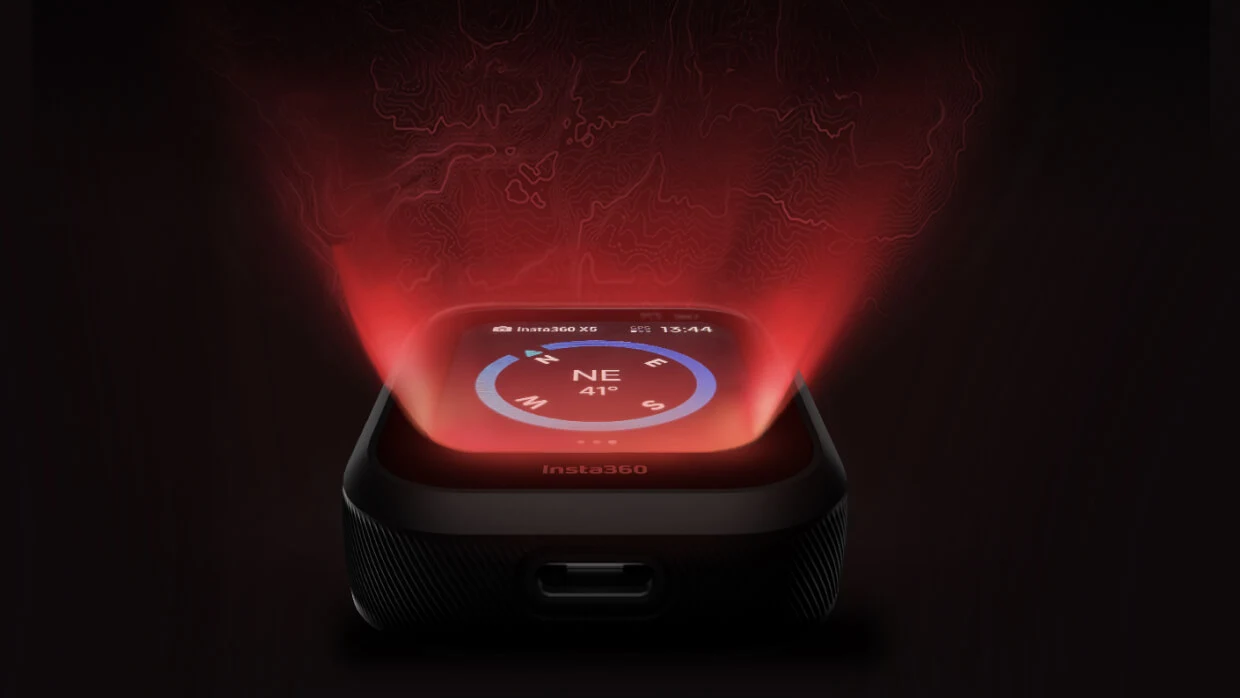
The Insta360 GPS Preview Remote is a groundbreaking accessory that takes camera control to a whole new level. Far more than just a remote, it is an intelligent monitoring station featuring an LCD screen, a built-in microphone, and a high-precision GPS module. Specifically designed for Ace Pro 2 and X5 users, it enables remote setting adjustments, real-time framing, and high-quality audio recording, even when the camera is out of reach.
Key Advantages and Features:
Live Preview & Remote Control: Frame your shots and adjust settings remotely from up to 100 meters away. No more guessing while filming.
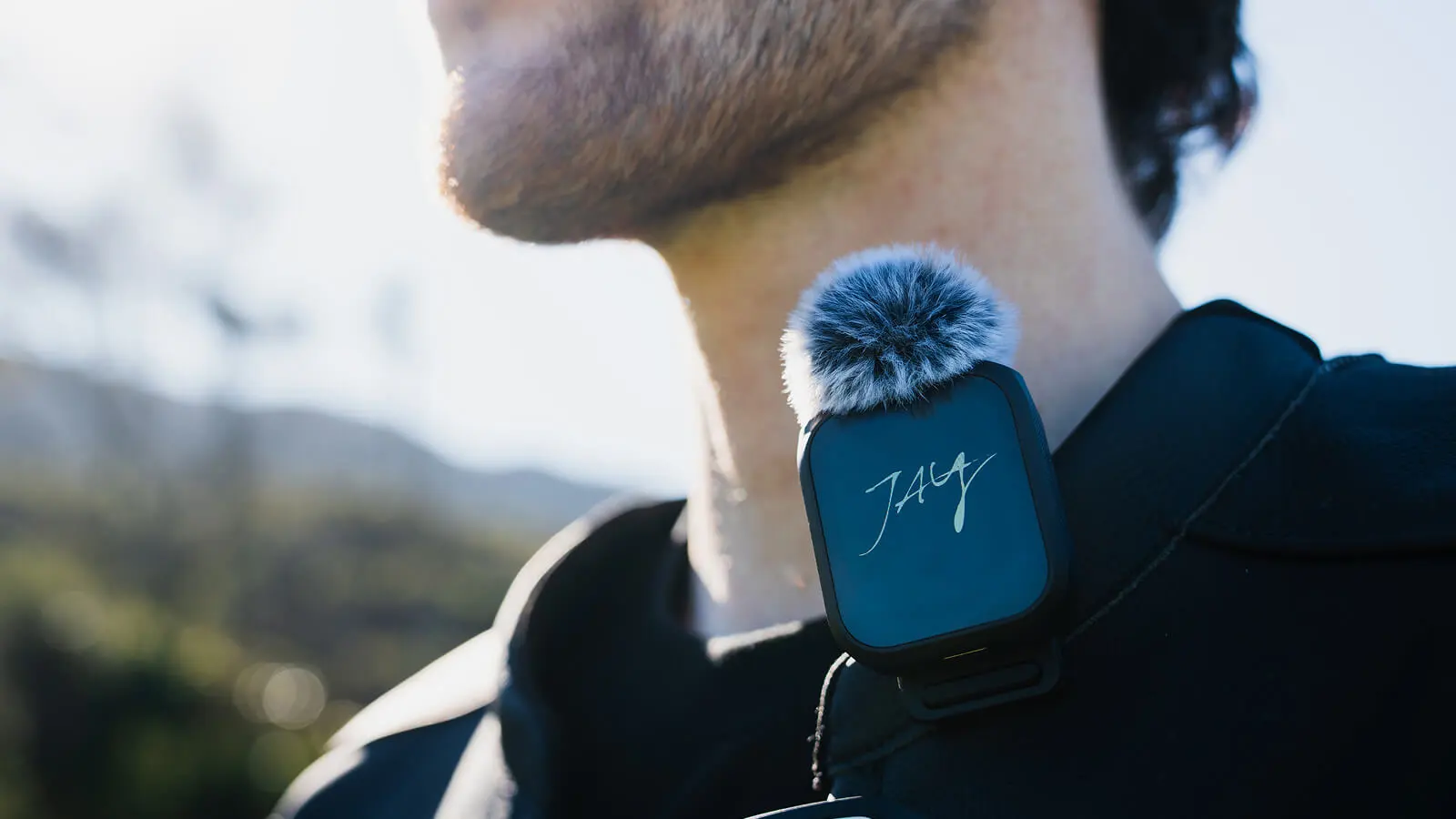
Built-in Wireless Microphone: Captures crystal-clear audio with two noise-reduction modes. Supports advanced 32-bit float recording to prevent audio clipping.
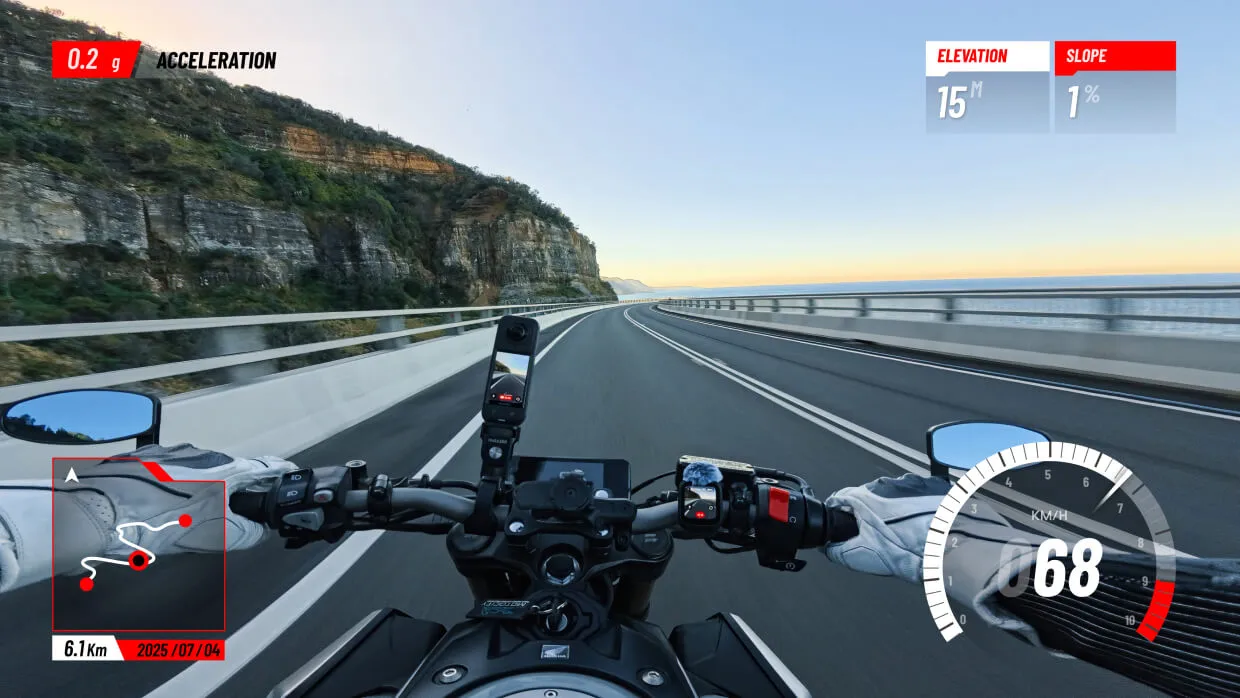
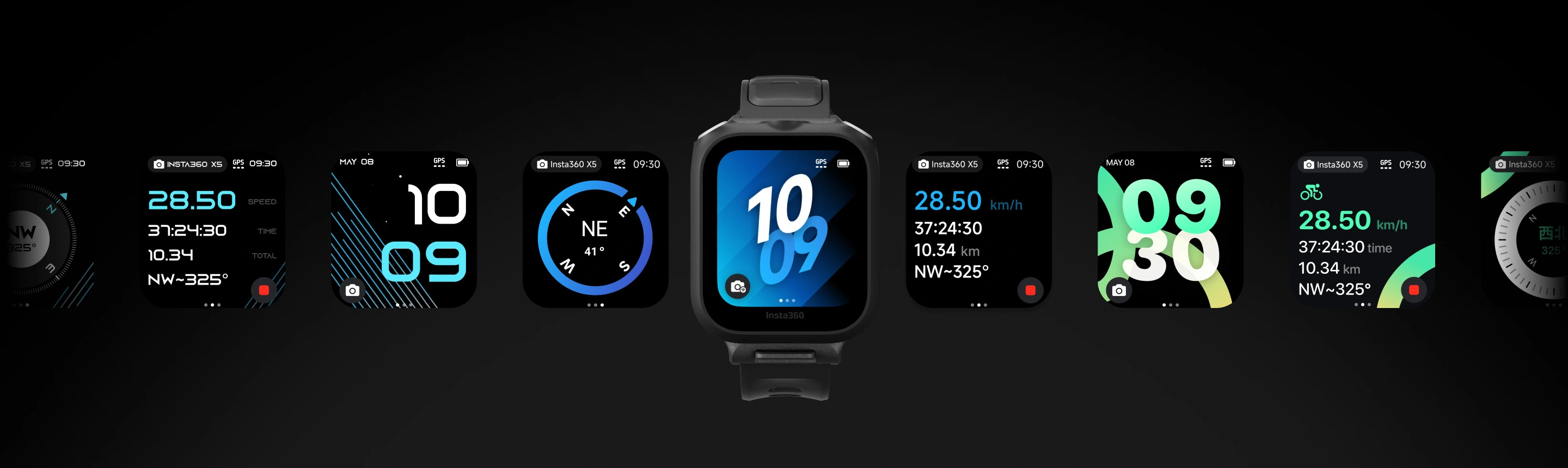
Precision GPS Data: Records route, speed, and altitude. Easily overlay these metrics onto your videos using the Insta360 app or Studio.
Extended Range: Maintains a stable audio transmission and remote control connection up to 160 meters (525 ft).
LCD Personalization: Features a color screen with customizable wallpapers or brand logos for a personalized touch.
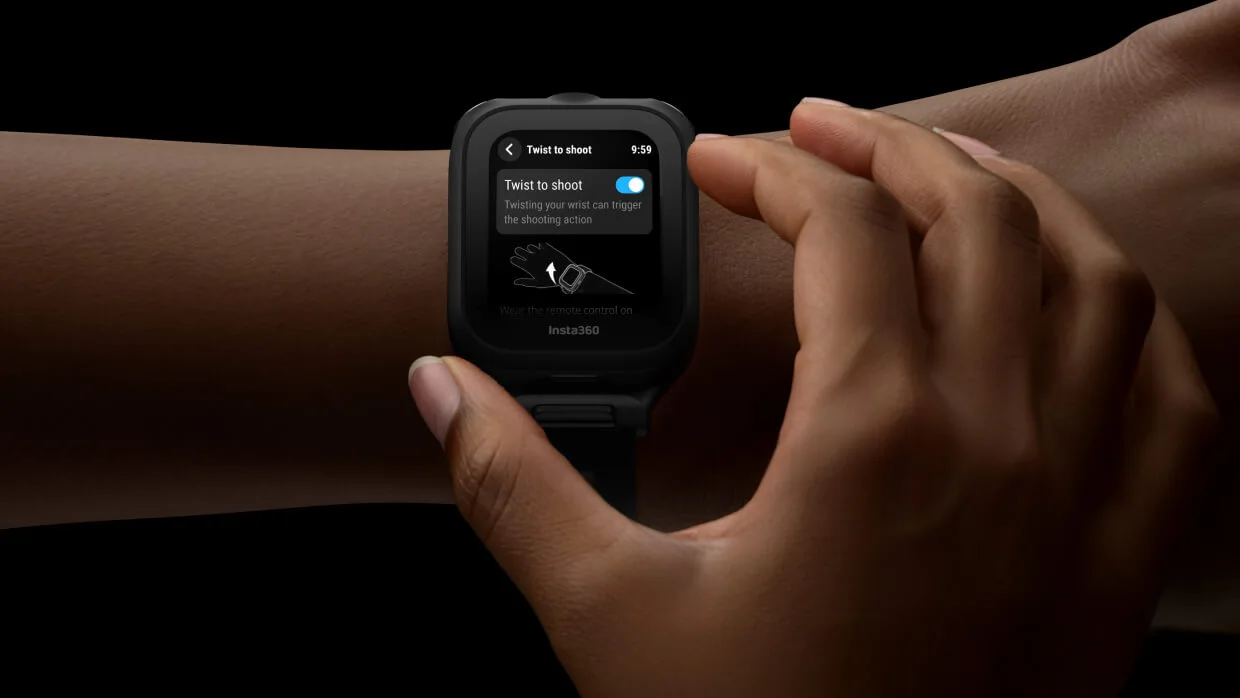
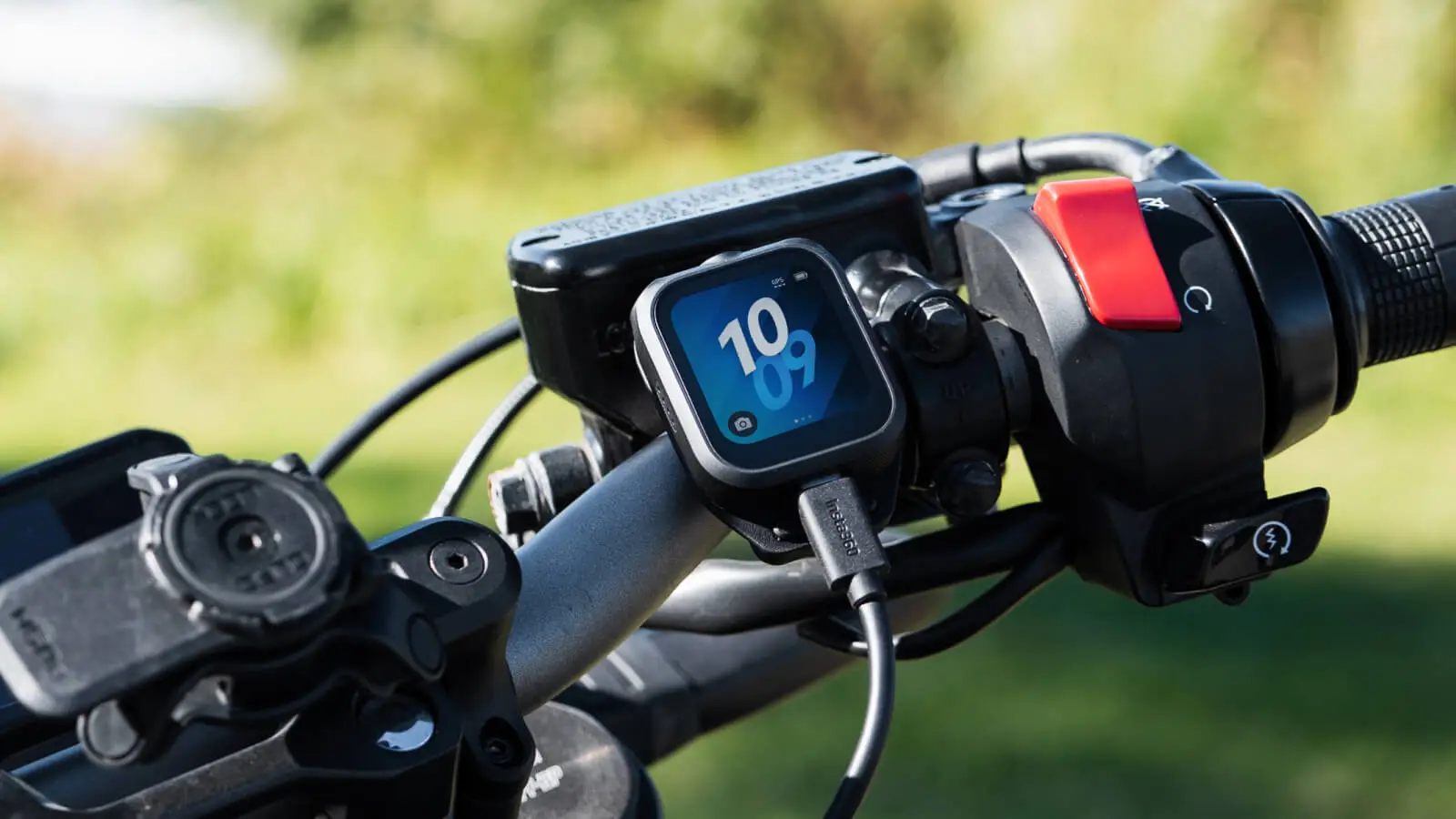
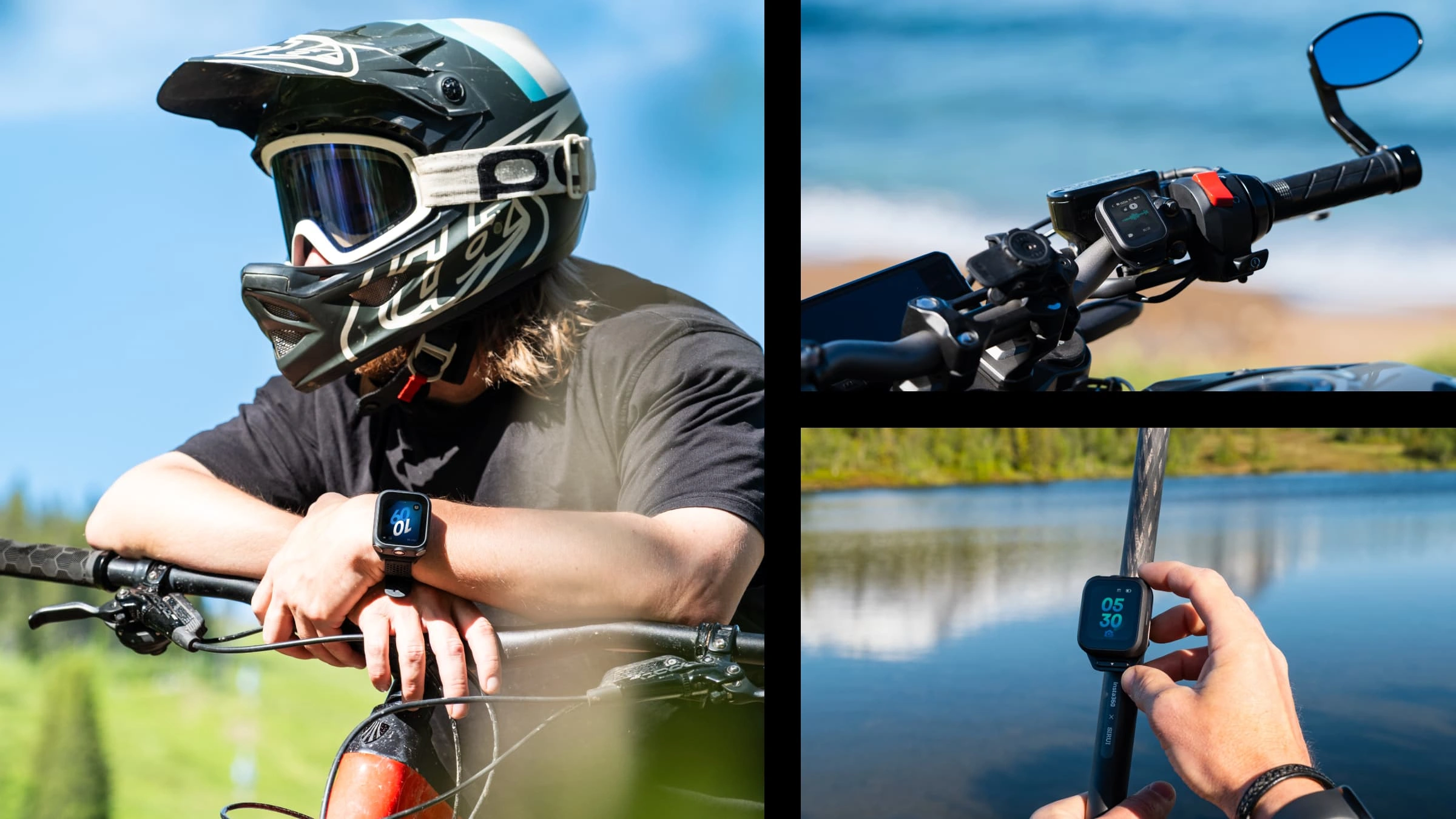
Versatile Mounting Options: Included accessories allow you to mount the remote on your wrist, handlebars, selfie stick, or clip it to your jacket.
Technical Specification:
Preview Range: up to 100 m
Audio/Control Range: up to 160 m
Audio Quality: 24-bit (default) / 32-bit Float
Modules: Built-in GPS, Microphone, LCD Screen
Noise Reduction: 2 adjustable modes
Compatibility: Insta360 Ace Pro 2, Insta360 X5
Product Code: CINSCAVX
Box Content:
1x GPS Preview Remote
Wrist Strap
Handlebar/Selfie Stick Mount
Clothing Clip
Charging Cable
User Manual
GPS Preview Remote with Built-In Mic
Shoot further. Sound better. Stay in control.Smoother shooting, clearer audio.
- 4-in-1 tool compatible with Insta360 X5 and Insta360 Ace Pro 2 to streamline your creative workflow. Delivers professional-grade audio with clear vocals and pure sound.*Further camera compatibility coming soon.
Full control at your fingertips.
- Take command with rock-solid remote control—start shooting, adjust camera settings, preview 360 shots*, and wake up your camera from up to 525ft (160m) away**.*Available in 360 video mode on 360 camera models. **Tested in an open environment without interference
.png?x-oss-process=image%2Fauto-orient%2C1%2Fformat%2Cwebp%2Fquality%2Cq_100)
Stay up to date.
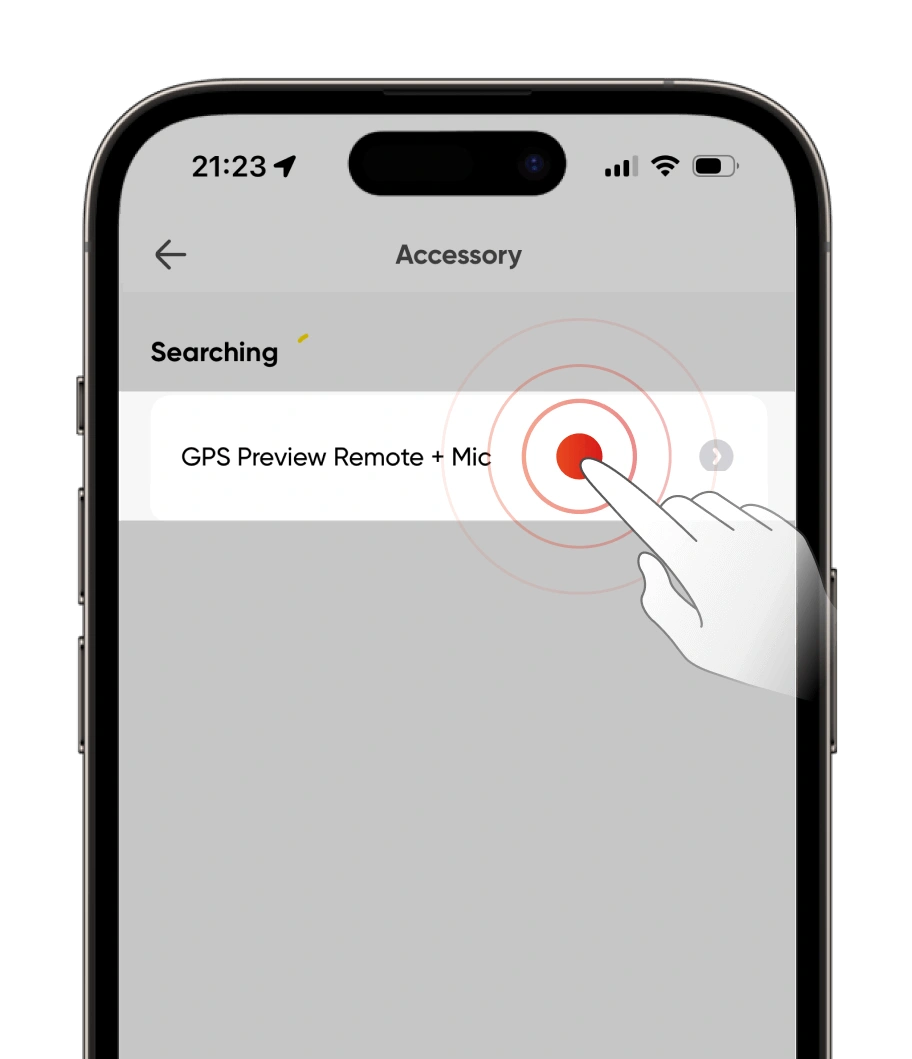
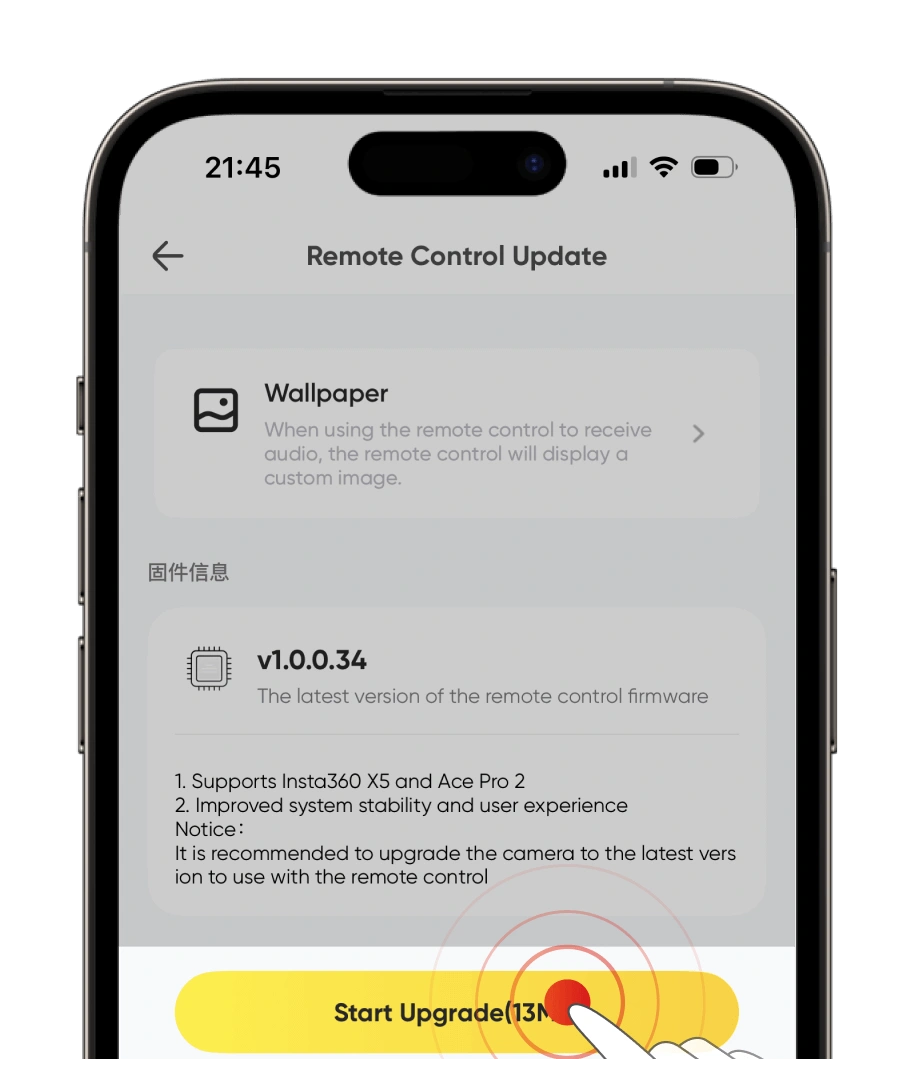
To keep the camera and remote compatible, keep both up to date with the latest official firmware. Connect the remote to the Insta360 app to check for new firmware.How to update firmware:
Open the Insta360 app and head to Me > Device Settings - Accessory Settings and connect to the remote. If a firmware update is available, follow the on-screen instructions to update the remote.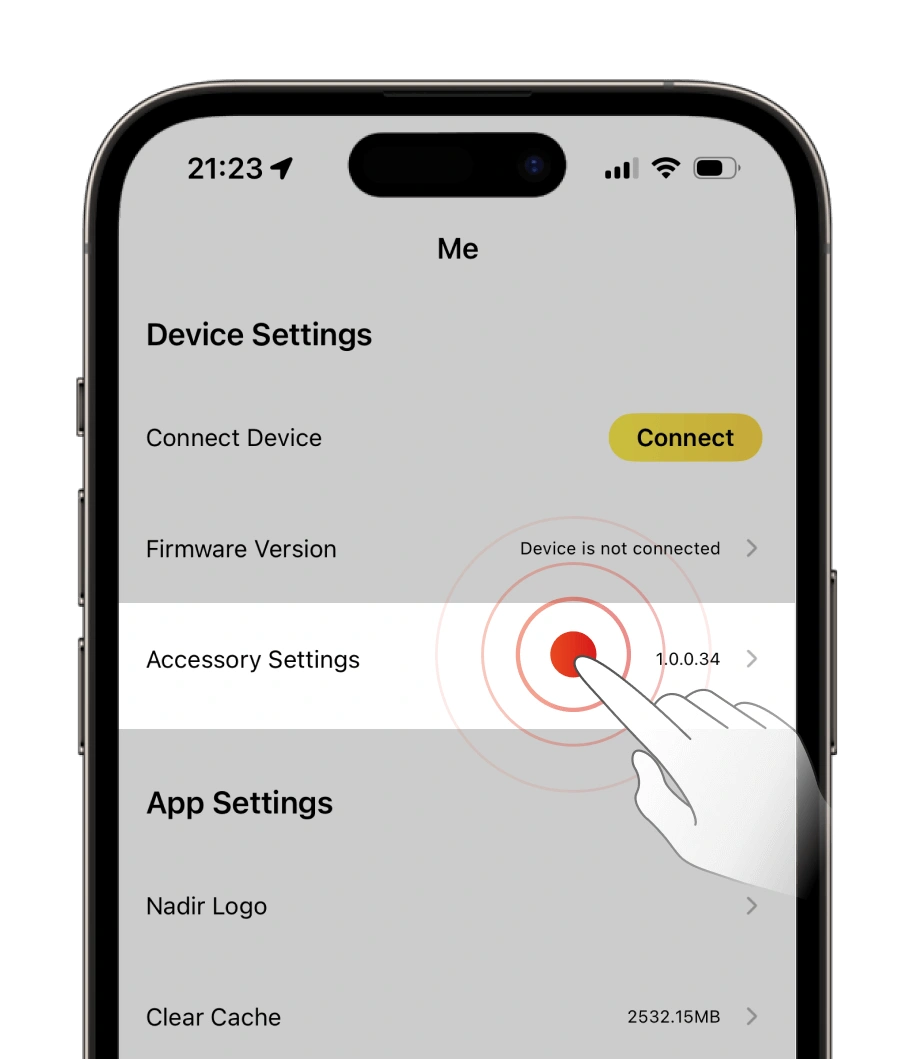
1× GPS Preview Remote with Built-In Mic
1× Mic Fur Cover
1× Clip
1× Wrist Strap
1× Remote Base
2× Button Stickers
- This product contains magnets. Please keep it away from pacemakers and other devices to avoid interference.
- The product should only be used in temperatures from -4°F to 104°F (-20°C to 40°C).
- The battery may be depleted if the product is not used for a long time (e.g., two months or longer). If this happens, please charge the product fully, then turn it on.
- Do not drop, disassemble, crush, insert foreign objects or place heavy objects onto the remote, as this will cause damage.
- Do not leave the product near heat sources such as a furnace, heater, inside a car or in direct sunlight.
- Wipe the product dry as soon as possible after contact with water. Do not wear it when swimming or diving.
- Do not use any liquid cleansers on the product. Do not wipe the charging points on the remote with liquid detergent, as these may corrode and rust, affecting the remote. Clear the product with a soft, dry cloth.
- Before using this product for surface water sports, apply a dry Disposable Double-Sided Sticker on the back of the remote and attach it to the strap for extra security.
other products in the same category: (30)
-
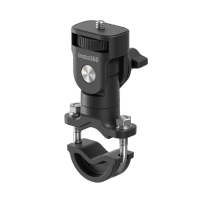
Insta360 Motorcycle U-Bolt Mount
-
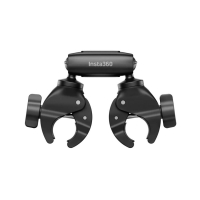
Insta360 Motorcycle Selfie Stick Support Clamp
-
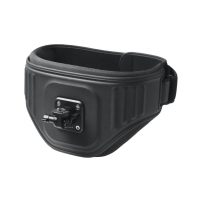
Insta360 The Back Bar (Enhanced Waist Strap)
-
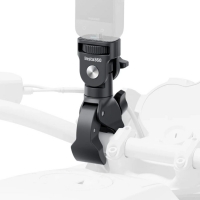
Insta360 Heavy Duty Clamp
-
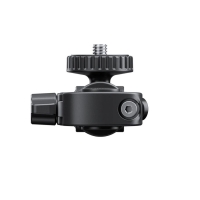
Insta360 Rear View Mirror Mount
-
Insta360 X5 All-Weather USB Charging Cover
-
Insta360 X5 USB Cover
-
Insta360 X5 Battery
-
Insta360 X5 Carry Case
-
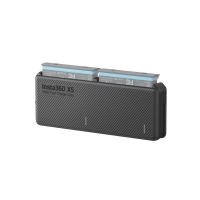
Insta360 X5 Utility Fast Charge Case
-
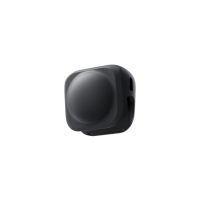
Insta360 X5 Lens Cap
-
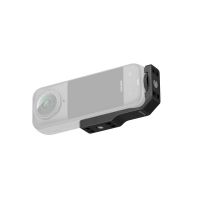
Insta360 X5/X4 Vertical-Horizontal Mount
-
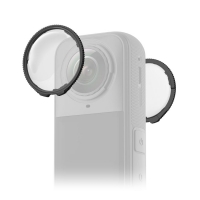
Insta360 X5 Standard Lens Guards
-
Insta360 X5 Premium Lens Guards
-
Insta360 X5 Replacement Lens Kit (single lens)
-
Insta360 X5 Utility Frame
-
Insta360 Mic Adapter
-
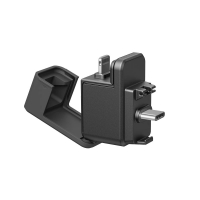
Insta360 X5 Quick Reader
-
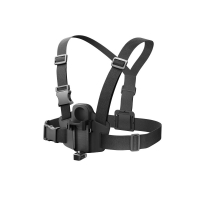
Insta360 X5 POV Chest Mount
-
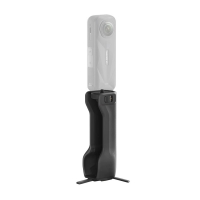
Insta360 X5 Foldable Utility Handle
-
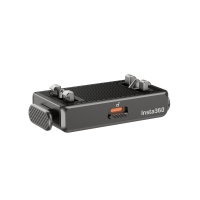
Insta360 Quick Release Mount
-
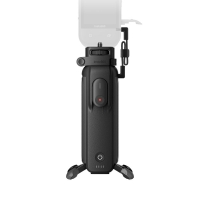
Insta360 FOMO Power Handle
-
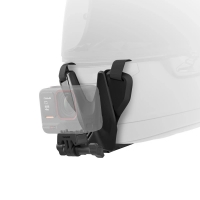
Insta360 Helmet Chin Mount 2.0
-
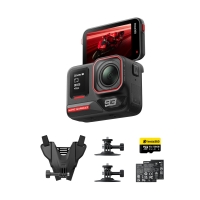
Insta360 Ace Pro 2 Dual Battery MM93 Edition
-
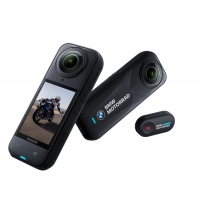
Insta360 X5 BMW Motorrad Edition
-
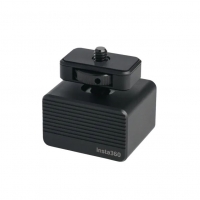
Insta360 Vibration Damper
-
Insta360 X5 Mic Windshield
-
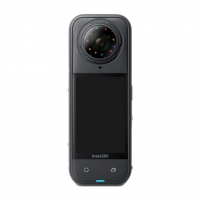
Insta360 X5 Replacement Lens Kit
-
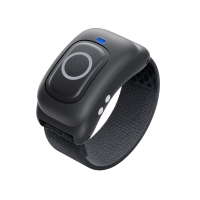
Insta360 Ring remote
-
Insta360 Memory Card (256GB)