- Odzież / Ochraniacze
- Kaski
- Odzież motocyklowa
- Ochraniacze
- Fox Rowerówka
- Gogle
- Odzież codzienna
- Leatt rowerówka
- Części
- Oleje / Smary / Pielęgnacja / Chemia
- Silnik i osprzęt
- Cylindry
- Rozrząd
- Uszczelki Silnika
- Tłoki - komplety
- Tarcze Sprzęgłowe
- Starter / Sprężyny startera
- Dekle / pokrywy silnika
- Płytki Zaworowe
- Głowice
- Uszczelniacze silnika
- Bębny Sprzęgła / Dzwony
- Sprzęgła Odśrodkowe / Szczęki
- Sprężyny sprzęgła
- Przekładki sprzegła
- Wały Korbowe / Korbowody / Łożyska
- Kosze sprzęgłowe
- skrzynie biegów / Koła zebate
- Łożyska skrzyni biegów
- Zawory
- Sprężyny Zaworowe
- Śruby / Korki
- Silniki kompletne
- Układ elektryczny / Zapłon
- Regulatory napięcia
- Alternatory-Statory
- Moduły zapłonu
- Akumulatory
- Przewody wysokiego napięcia
- Ładowarki do akumulatorów
- Cewki zapłonowe, świetlne, ładowania
- Kondensatory zapłonowe
- Klakson
- Świece zapłonowe
- Fajki zapłonowe
- Czujniki, właczniki
- Liczniki/komputery pokładowe
- Przełączniki, właczniki
- końcówki elektryczne, wtyczki, kostki
- Stacyjki / Kluczyki
- Przerywacze kierunkowskazów
- rozrusznik/ przekaźniki/ zestawy naprawcze
- Plastiki Cross
- Zawieszenie
- Lampy / Kierunkowskazy
- Nadwozie
- Dźwignie Sprzęgła
- Dźwignie Hamulca
- Kierownice Akcesoria
- Podnóżki
- Linki i cięgna
- Lusterka
- Mocowania Uchwyty Dźwigni sprzęgła CROSS
- Manetki
- Osłony Nadwozia
- Hand bary - osłony dłoni
- Końcówki Kierownicy / Cieżarki
- Dźwignie Zmiany Biegów
- Sprzęgła hydrauliczne / pompy / zestawy
- Dźwignia rozrusznika / Kopniak / Kopajka
- Mocowania Tablicy Rejestracyjnej
- Dźwignie Sportowe
- Szyby motocyklowe
- Naklejki na motocykl
- Okleiny plastików CROSS / OFF-ROAD
- Sety
- Zegary, obudowy zegarów
- Koła, piasty, obręcze
- Owiewki
- Pokrowce na siedzenia, gąbki, siedzenia
- Ramy motocyklowe
- błotniki
- Filtry
- Układ hamulcowy
- Stelaże przednie
- Opony/Dętki/Felgi
- Układ napedowy
- Układ paliwowy
- Układ Wydechowy
- Układ chłodzenia
- Układ rozruchowy
- Akcesoria
- Na Prezent
- Narzędzia
- Bagaż
- Blokady, zabezpieczenia
- Pokrowce na motocykl / quada
- Inne akcesoria
- Tank Pady
- Zestawy naprawcze opon i dętek
- Stojaki, podnośniki
- Intercomy - komunikacja / łączność
- Kamery
- telefony / uchwyty, pokrowce
- Baterie - POWERBANK
- Naklejki
- Kamizelki Odblaskowe
- Ładowarki / Zapalniczki
- Podnóżki / Stopki Centralne
- Liczniki Motogodzin
- Śrubki do owiewek
- Rolki serwisowe
- Opaski zaciskowe
- Lampki rowerowe
- Artykuły
- Motocykle
- Odzież / Ochraniacze
- Kaski
- Odzież motocyklowa
- Ochraniacze
- Fox Rowerówka
- Gogle
- Odzież codzienna
- Leatt rowerówka
- Części
- Oleje / Smary / Pielęgnacja / Chemia
- Silnik i osprzęt
- Cylindry
- Rozrząd
- Uszczelki Silnika
- Tłoki - komplety
- Tarcze Sprzęgłowe
- Starter / Sprężyny startera
- Dekle / pokrywy silnika
- Płytki Zaworowe
- Głowice
- Uszczelniacze silnika
- Bębny Sprzęgła / Dzwony
- Sprzęgła Odśrodkowe / Szczęki
- Sprężyny sprzęgła
- Przekładki sprzegła
- Wały Korbowe / Korbowody / Łożyska
- Kosze sprzęgłowe
- skrzynie biegów / Koła zebate
- Łożyska skrzyni biegów
- Zawory
- Sprężyny Zaworowe
- Śruby / Korki
- Silniki kompletne
- Układ elektryczny / Zapłon
- Regulatory napięcia
- Alternatory-Statory
- Moduły zapłonu
- Akumulatory
- Przewody wysokiego napięcia
- Ładowarki do akumulatorów
- Cewki zapłonowe, świetlne, ładowania
- Kondensatory zapłonowe
- Klakson
- Świece zapłonowe
- Fajki zapłonowe
- Czujniki, właczniki
- Liczniki/komputery pokładowe
- Przełączniki, właczniki
- końcówki elektryczne, wtyczki, kostki
- Stacyjki / Kluczyki
- Przerywacze kierunkowskazów
- rozrusznik/ przekaźniki/ zestawy naprawcze
- Plastiki Cross
- Zawieszenie
- Lampy / Kierunkowskazy
- Nadwozie
- Dźwignie Sprzęgła
- Dźwignie Hamulca
- Kierownice Akcesoria
- Podnóżki
- Linki i cięgna
- Lusterka
- Mocowania Uchwyty Dźwigni sprzęgła CROSS
- Manetki
- Osłony Nadwozia
- Hand bary - osłony dłoni
- Końcówki Kierownicy / Cieżarki
- Dźwignie Zmiany Biegów
- Sprzęgła hydrauliczne / pompy / zestawy
- Dźwignia rozrusznika / Kopniak / Kopajka
- Mocowania Tablicy Rejestracyjnej
- Dźwignie Sportowe
- Szyby motocyklowe
- Naklejki na motocykl
- Okleiny plastików CROSS / OFF-ROAD
- Sety
- Zegary, obudowy zegarów
- Koła, piasty, obręcze
- Owiewki
- Pokrowce na siedzenia, gąbki, siedzenia
- Ramy motocyklowe
- błotniki
- Filtry
- Układ hamulcowy
- Stelaże przednie
- Opony/Dętki/Felgi
- Układ napedowy
- Układ paliwowy
- Układ Wydechowy
- Układ chłodzenia
- Układ rozruchowy
- Akcesoria
- Na Prezent
- Narzędzia
- Bagaż
- Blokady, zabezpieczenia
- Pokrowce na motocykl / quada
- Inne akcesoria
- Tank Pady
- Zestawy naprawcze opon i dętek
- Stojaki, podnośniki
- Intercomy - komunikacja / łączność
- Kamery
- telefony / uchwyty, pokrowce
- Baterie - POWERBANK
- Naklejki
- Kamizelki Odblaskowe
- Ładowarki / Zapalniczki
- Podnóżki / Stopki Centralne
- Liczniki Motogodzin
- Śrubki do owiewek
- Rolki serwisowe
- Opaski zaciskowe
- Lampki rowerowe
- Artykuły
- Motocykle
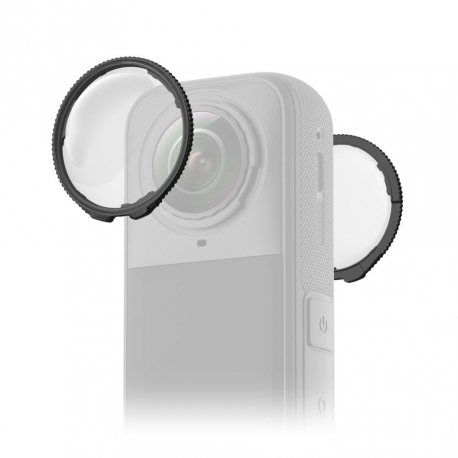
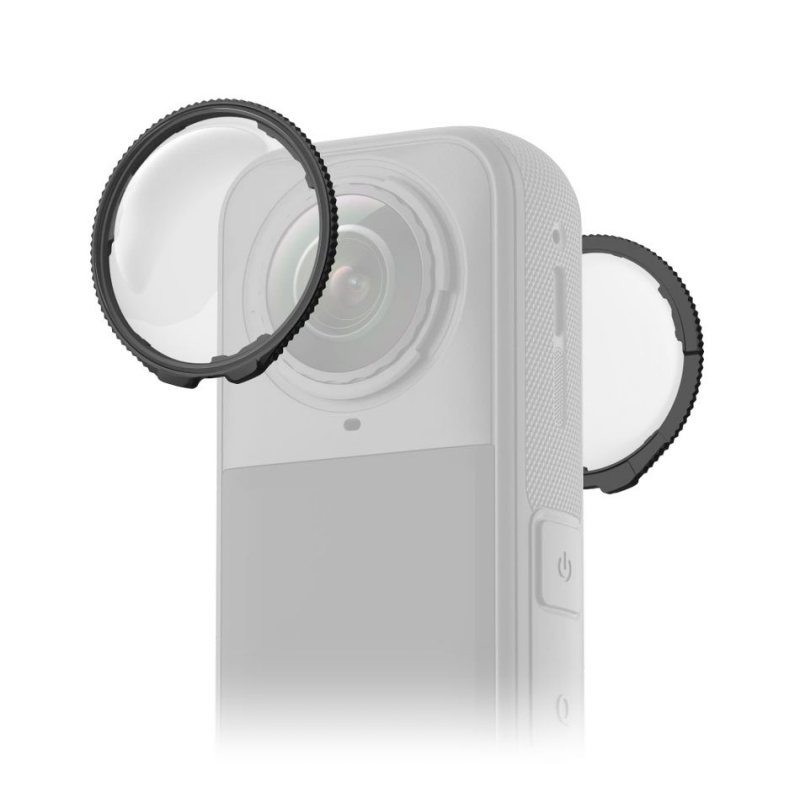
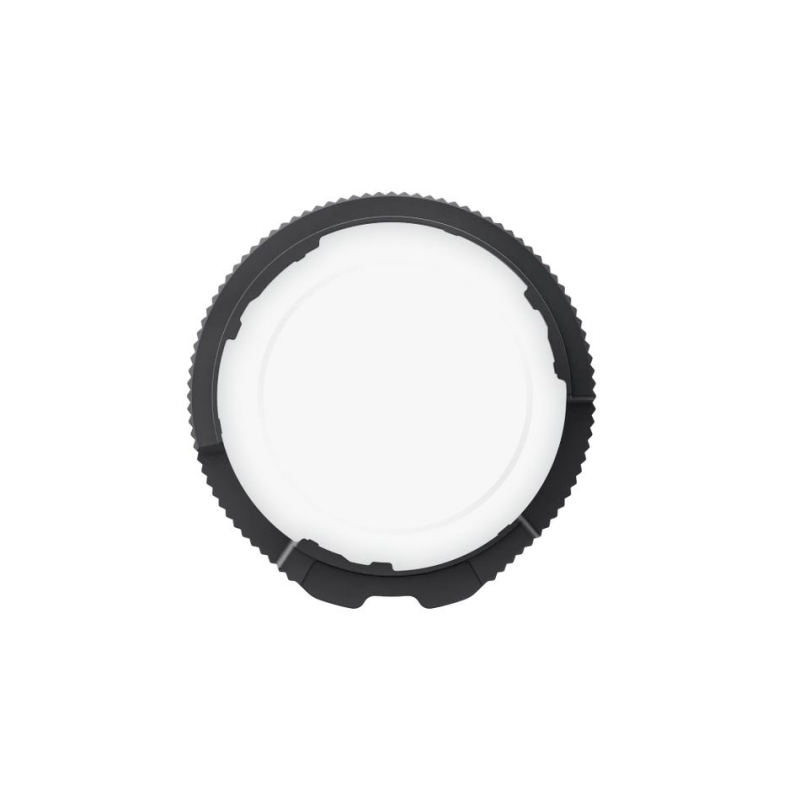
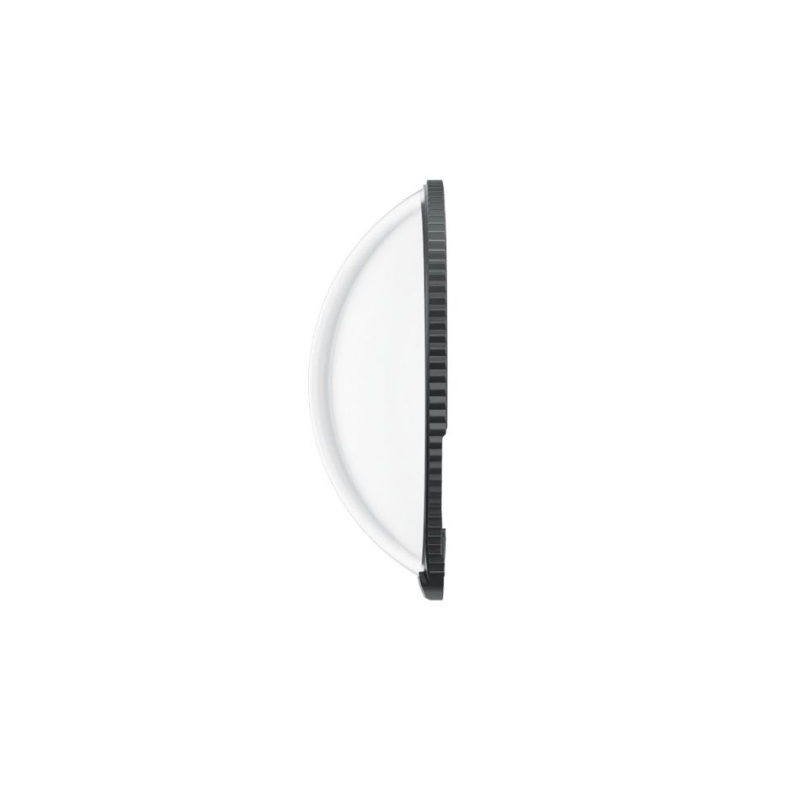
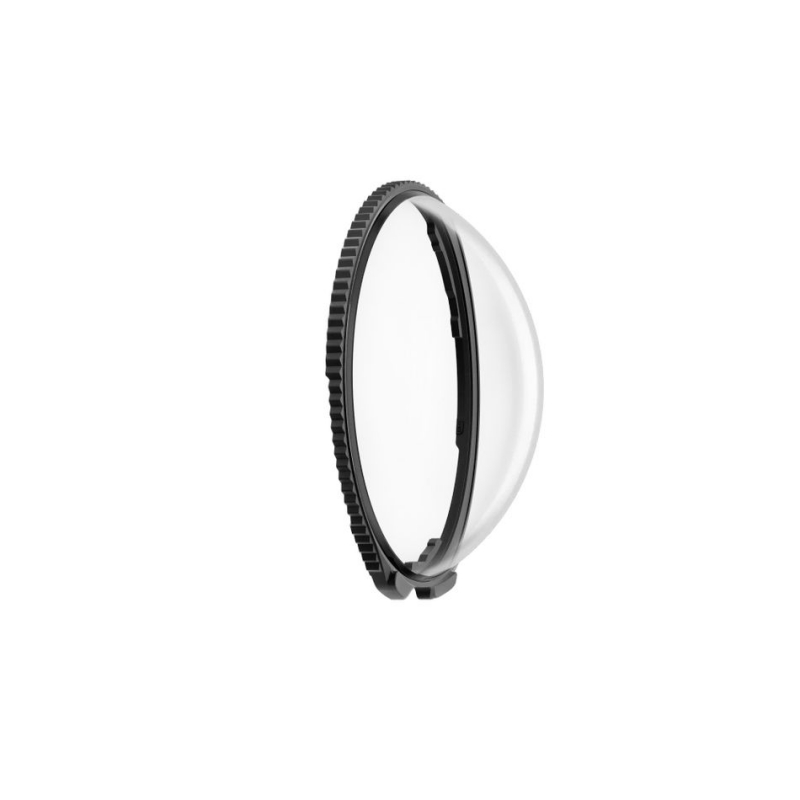
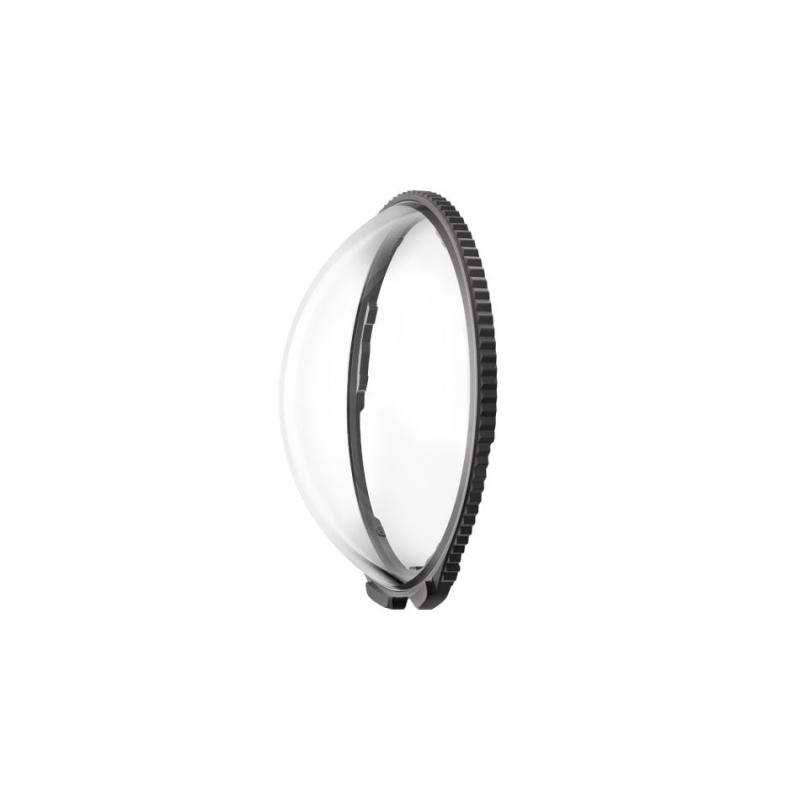
Insta360 X5 Standard Lens Guards
CINSBAHH
New
This product is no longer in stock
Data sheet
| MATERIAŁY | szkło |
| WYMIARY | 35,7x55,2x11,65mm |
More info
Insta360 X5 Standard Lens Guards – Everyday Lens Protection
The Insta360 X5 Standard Lens Guards (CINSBAHH) provide lightweight and effective optical protection against the rigors of daily use. Crafted from reinforced glass, they serve as the first line of defense against dust, scratches, and minor impacts, keeping your lenses in pristine condition during every ride.
Key Advantages and Features:
Reinforced Glass: Durable material effectively shields the camera's protruding lenses from mechanical wear and debris.
Maximum Clarity: Specifically tailored to minimize distortion and maintain the highest possible 360° image quality.
Smart Integration: Once attached, the X5 camera automatically activates "Lens Guard" mode, adjusting the image stitching algorithms accordingly.
Intuitive Installation: The twist-lock mechanism allows for quick attachment or removal without the need for additional tools.
Technical Specifications:
Compatibility: Insta360 X5
Material: Reinforced optical glass
Mounting: Twist-lock system
Software Support: Automatic image calibration
Model: CINSBAHH
Kit Contents:
Pair of Insta360 X5 Standard Lens Guards (CINSBAHH)
Installation Guide
Standard Lens Guards
Convenient protection without compromising on capture quality.
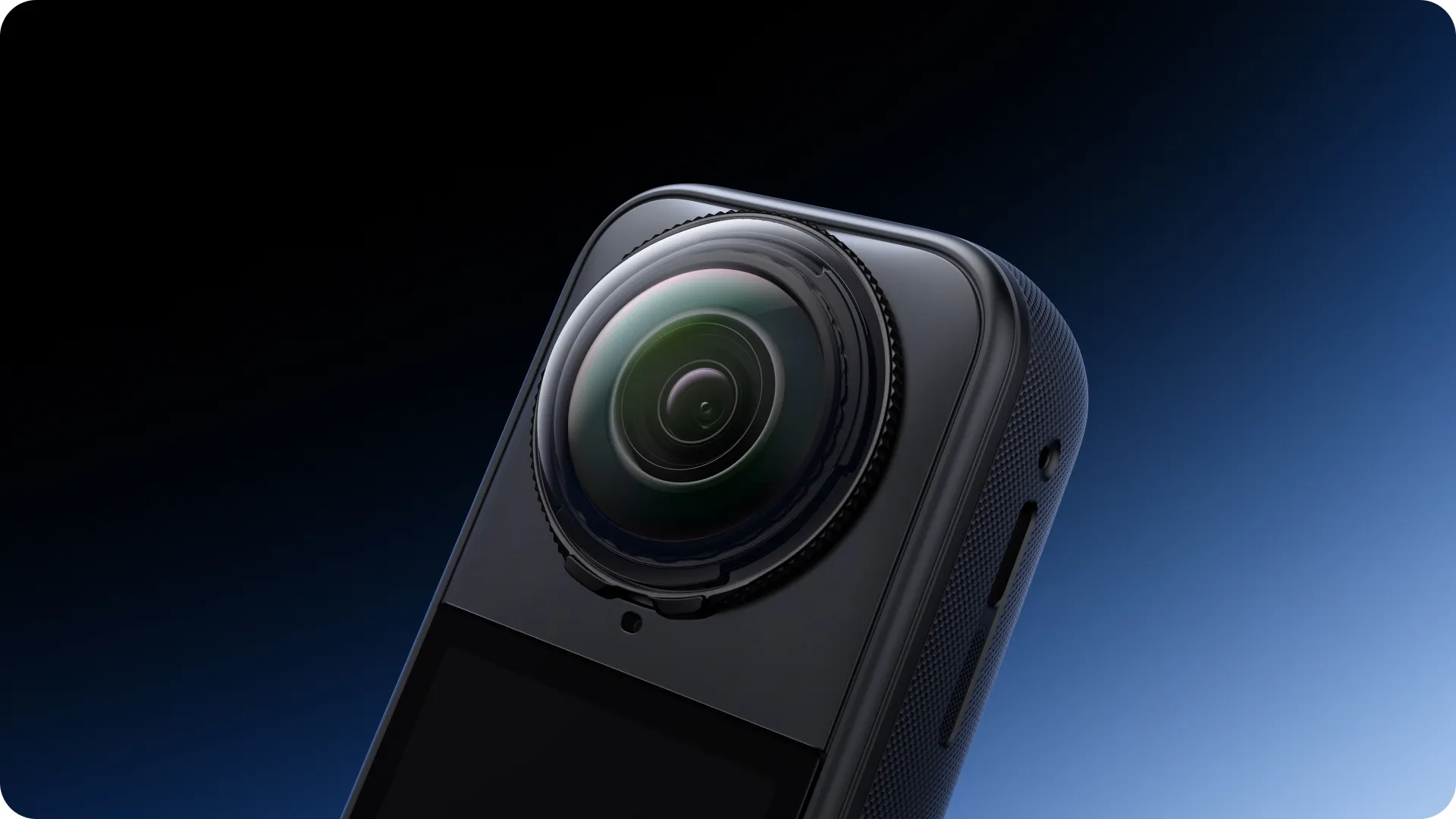
Strong and scratch-resistant.
Reinforced 7H* glass protects your lenses from daily wear and tear.
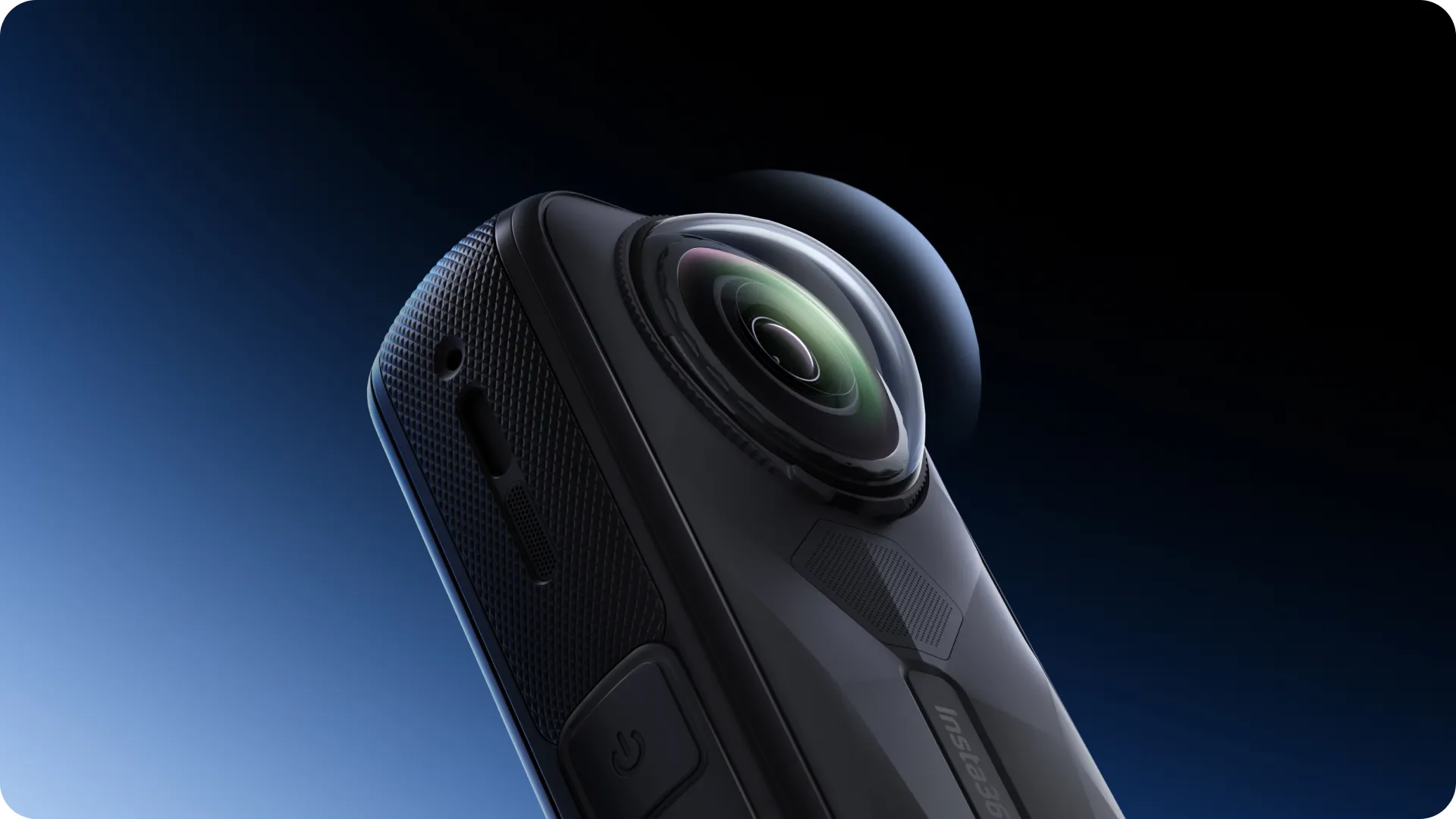
*Note: Glass strength tested in lab conditions.
High-definition optics.
Customized coating process ensures complete image clarity.
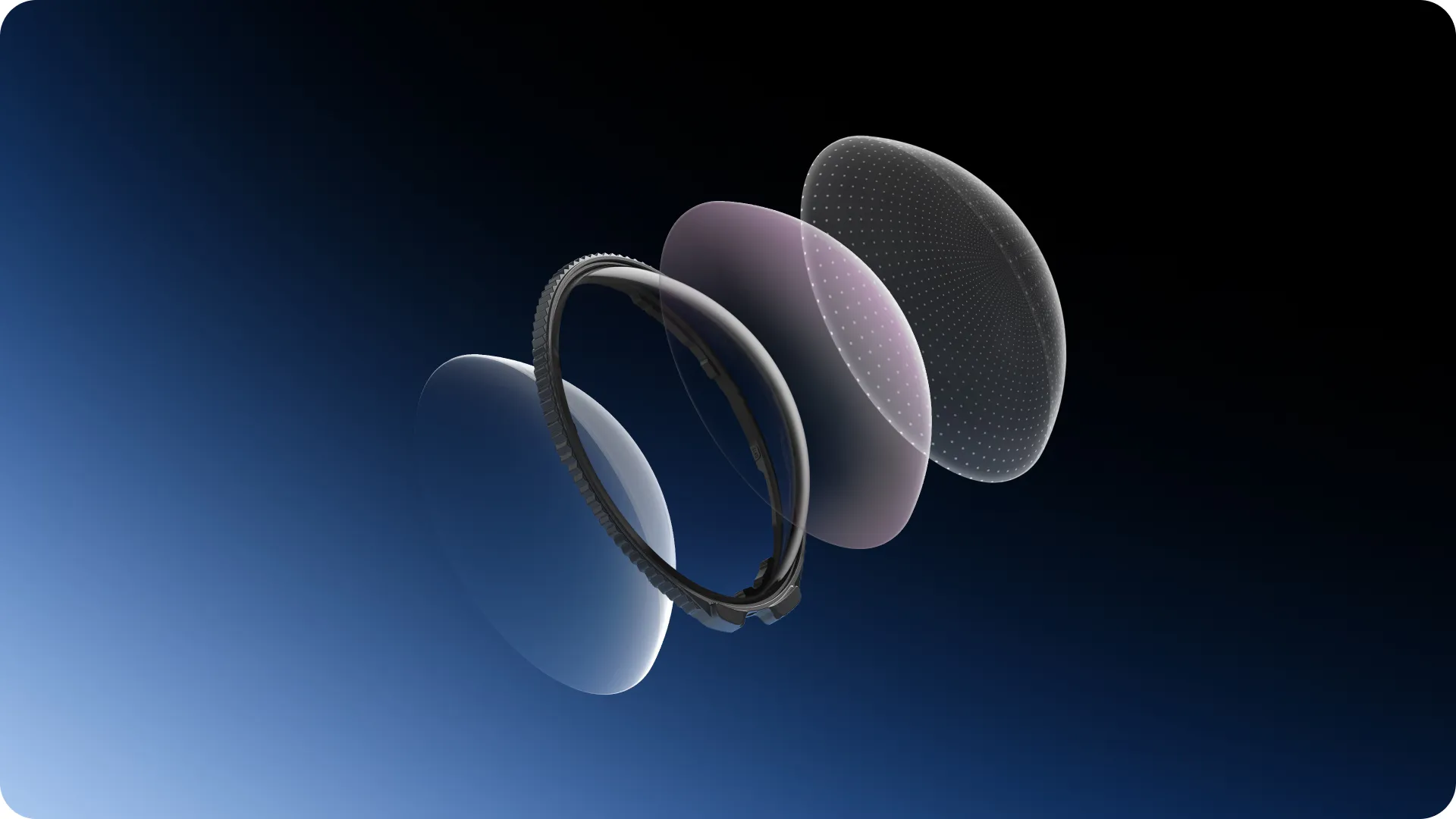
Plug and play.
X5 automatically enters Lens Guard Mode when the lenses are applied to streamline your shooting.
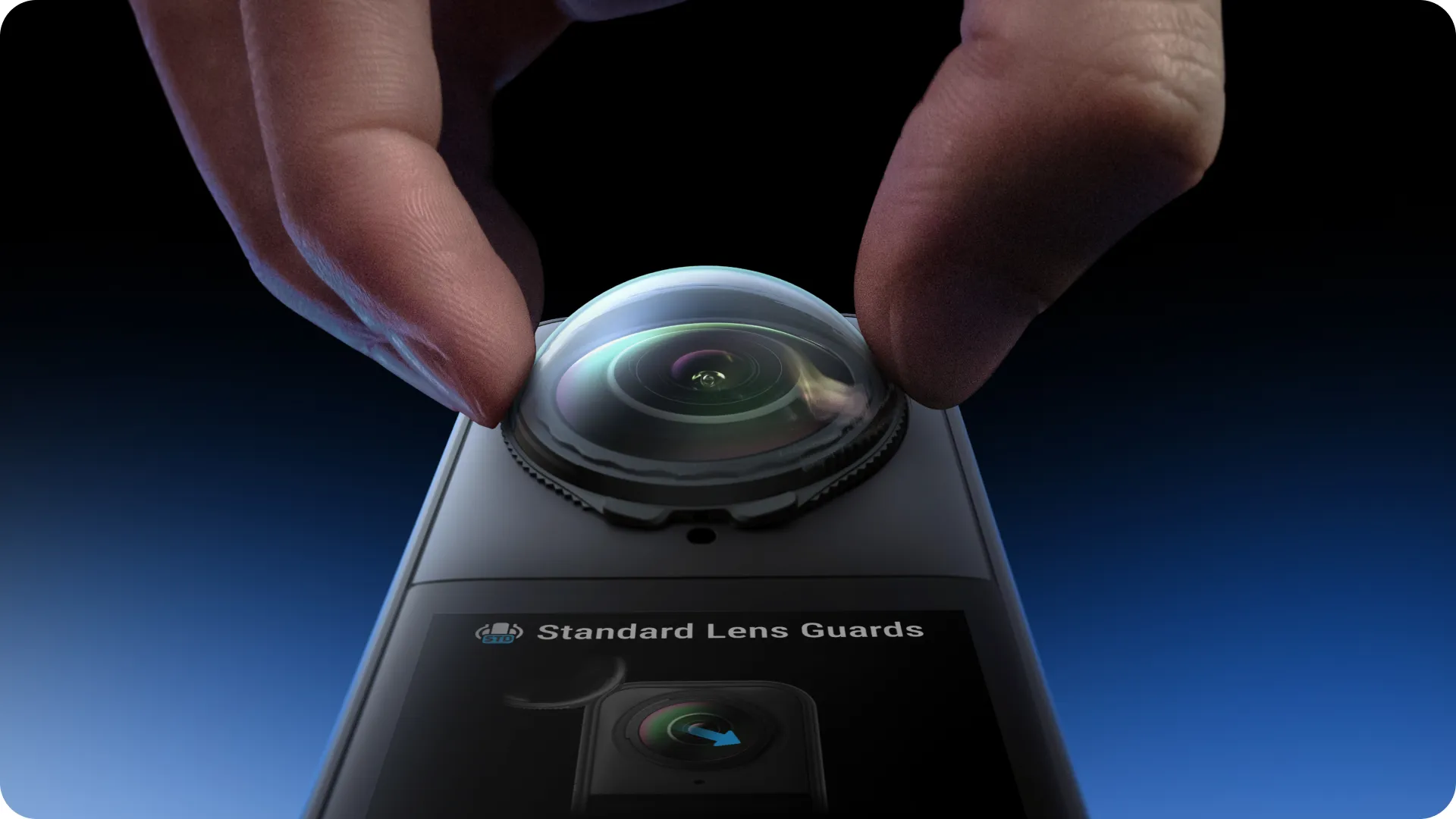
Shoot seamlessly.
The Standard Lens Guards match X5's shooting angle to prevent stitching lines in 360° panoramas.

Twist on, twist off.
Simple rotating design lets you lock in and switch out your lenses easily.
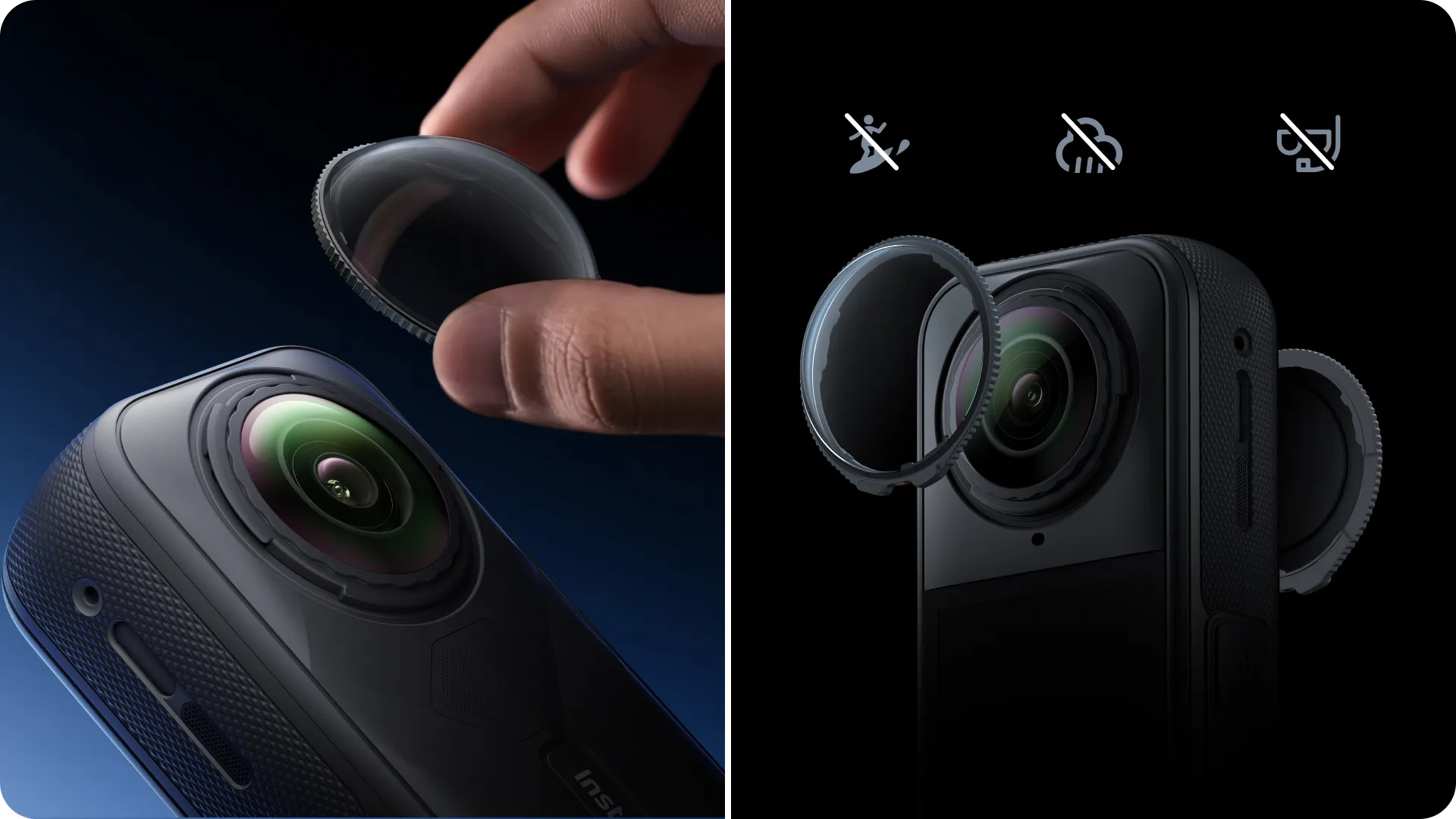
*Avoid using the Lens Guards in wet conditions as their seal is not waterproof.
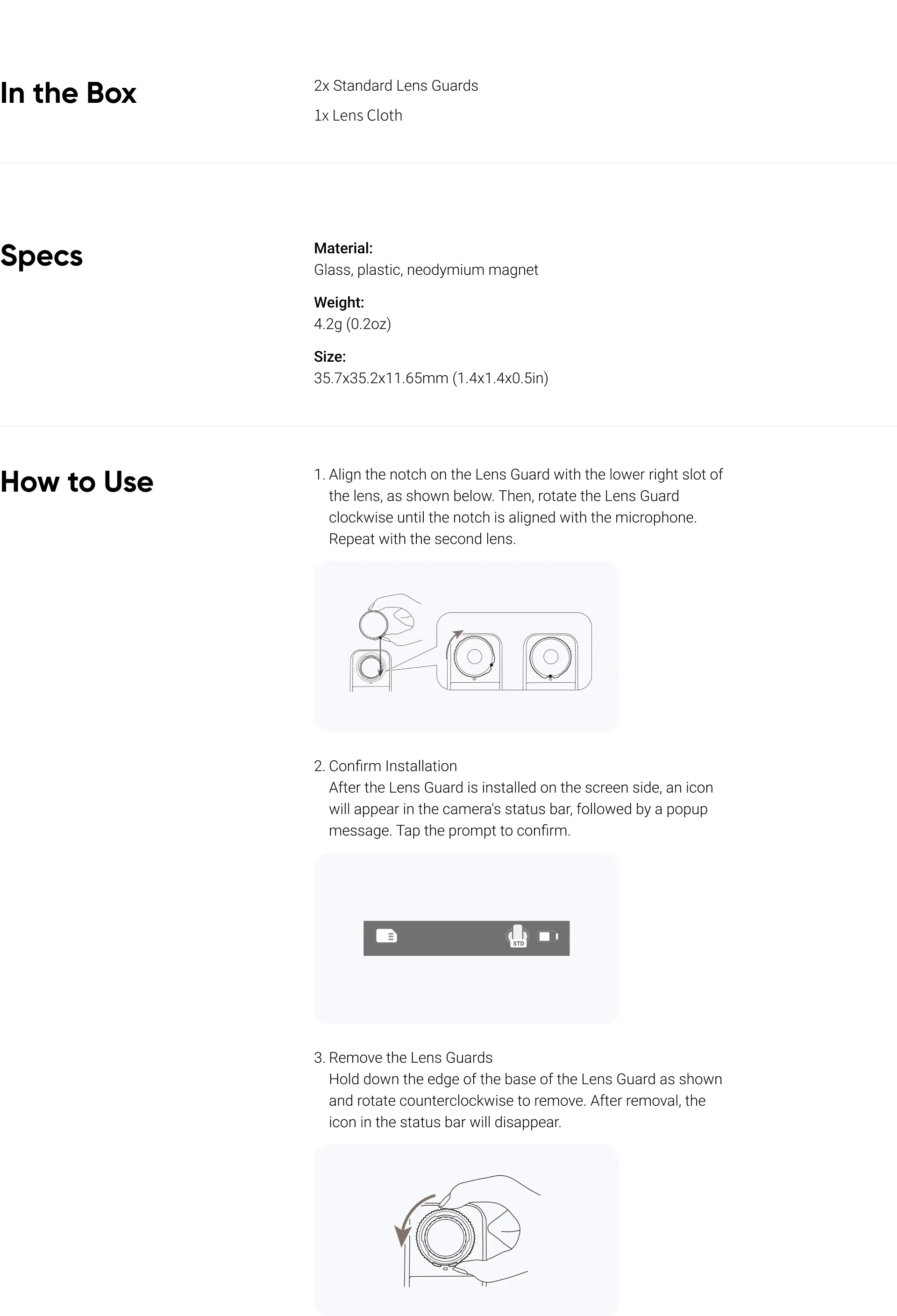
- Do not apply too much pressure when installing or removing a Lens Guard, as this may damage or change the shape of the base.
- Ensure both Lens Guards are securely installed before using the camera. The notch of each Lens Guard must be aligned with the camera's microphone. If the notch isn't aligned, the camera will not be able to recognize the Lens Guard.
- Only once the screen-side Lens Guard is installed will the icon display on the camera's status bar and the popup message appear.
- If you install the Lens Guards while the camera is recording, saving, updating or formatting, the camera will display the status icon but not the prompt.
- The Lens Guards may slightly affect the camera's stitching ability. To get the best results, point one lens at your subject.
- Dirty or worn Lens Guards may affect overall image quality.
- Avoid using the Lens Guards in wet conditions as their seal is not waterproof.
- If the Lens Guards do get wet, dry each lens thoroughly with a soft cloth to avoid fogging.
- The Lens Guards contain magnets. Keep them away from pacemakers and other devices affected by magnetic interference.
other products in the same category: (30)
-
Insta360 Head Strap
-
Insta360 Motorcycle U-Bolt Mount
-
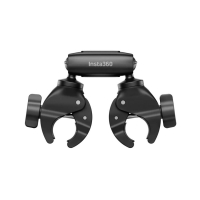
Insta360 Motorcycle Selfie Stick Support Clamp
-
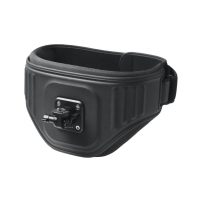
Insta360 The Back Bar (Enhanced Waist Strap)
-
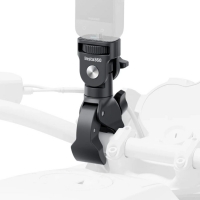
Insta360 Heavy Duty Clamp
-
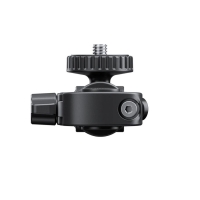
Insta360 Rear View Mirror Mount
-
Insta360 X5 All-Weather USB Charging Cover
-
Insta360 X5 USB Cover
-
Insta360 X5 Battery
-
Insta360 X5 Carry Case
-
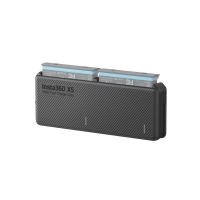
Insta360 X5 Utility Fast Charge Case
-
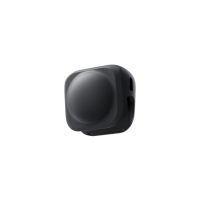
Insta360 X5 Lens Cap
-
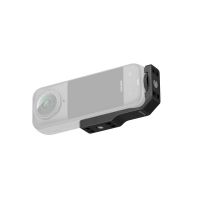
Insta360 X5/X4 Vertical-Horizontal Mount
-
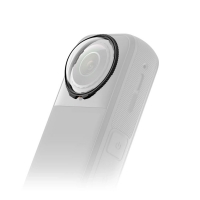
Insta360 X5 Premium Lens Guards
-
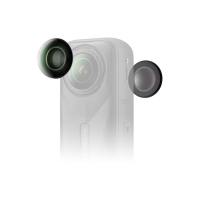
Insta360 X5 Replacement Lens Kit (single lens)
-
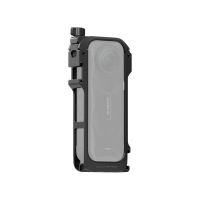
Insta360 X5 Utility Frame
-
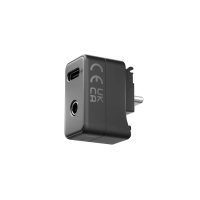
Insta360 Mic Adapter
-
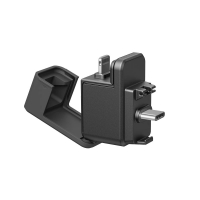
Insta360 X5 Quick Reader
-
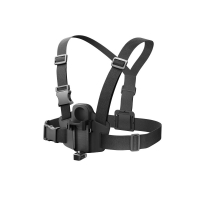
Insta360 X5 POV Chest Mount
-
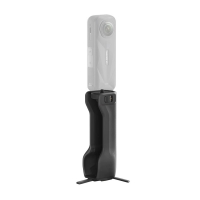
Insta360 X5 Foldable Utility Handle
-
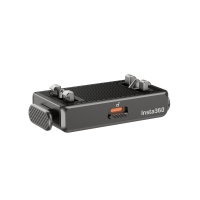
Insta360 Quick Release Mount
-
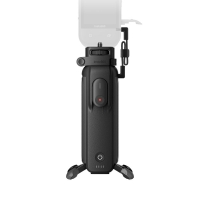
Insta360 FOMO Power Handle
-
Insta360 Helmet Chin Mount 2.0
-
Insta360 Ace Pro 2 Dual Battery MM93 Edition
-
Insta360 Vibration Damper
-
Insta360 X5 Mic Windshield
-
Insta360 X5 Replacement Lens Kit
-
Insta360 Ring remote
-
Insta360 Memory Card (256GB)
-
Insta360 Flow 2 Pro white